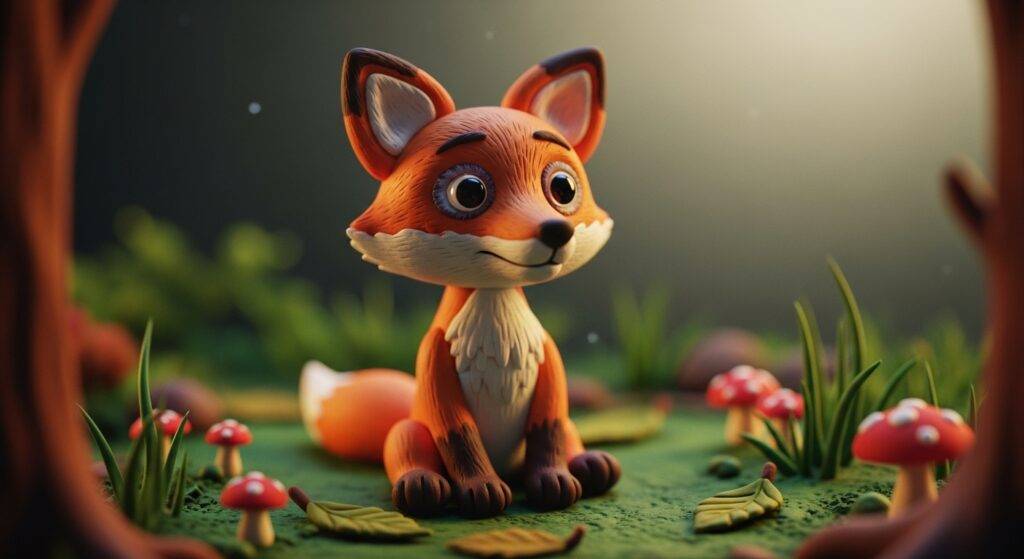
3D & Sculpture
Explore stunning 3D sculpture and modeling prompts designed for AI art generation. Perfect for creating professional 3D artwork, character sculptures, and intricate architectural designs using advanced AI image generators.

From Ghibli’s hand-painted charm to Pixar’s cinematic glow, browse a visual library of expanded, studio-grade prompts — optimized for Midjourney, Leonardo, Firefly, ChatGPT Image, and Gemini FX.
Explore stunning 3D sculpture and modeling prompts designed for AI art generation. Perfect for creating professional 3D artwork, character sculptures, and intricate architectural designs using advanced AI image generators.
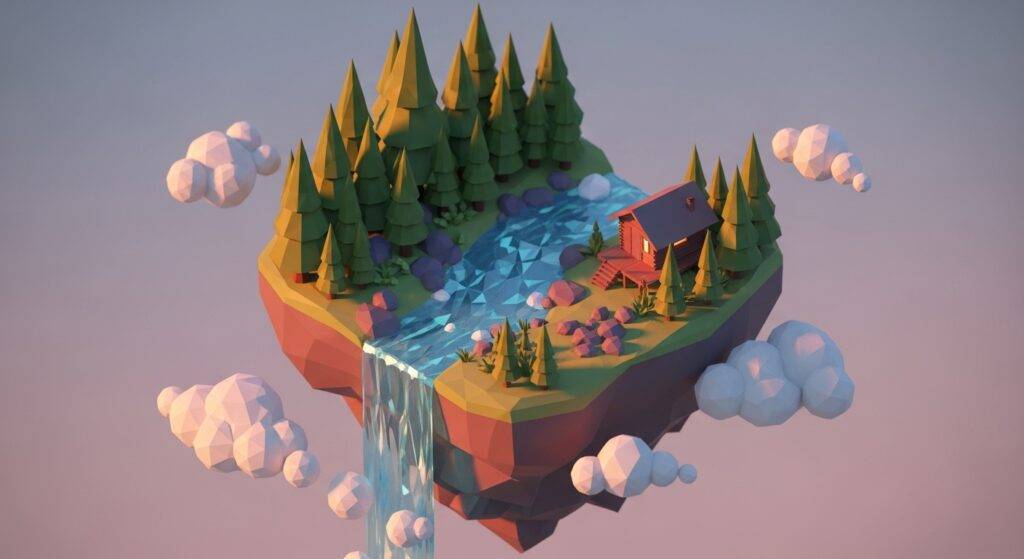
Browse premium 3D art prompts and digital 3D design inspiration for AI art generators. Create realistic 3D artwork, models, and visualizations with advanced AI-powered image generation tools.
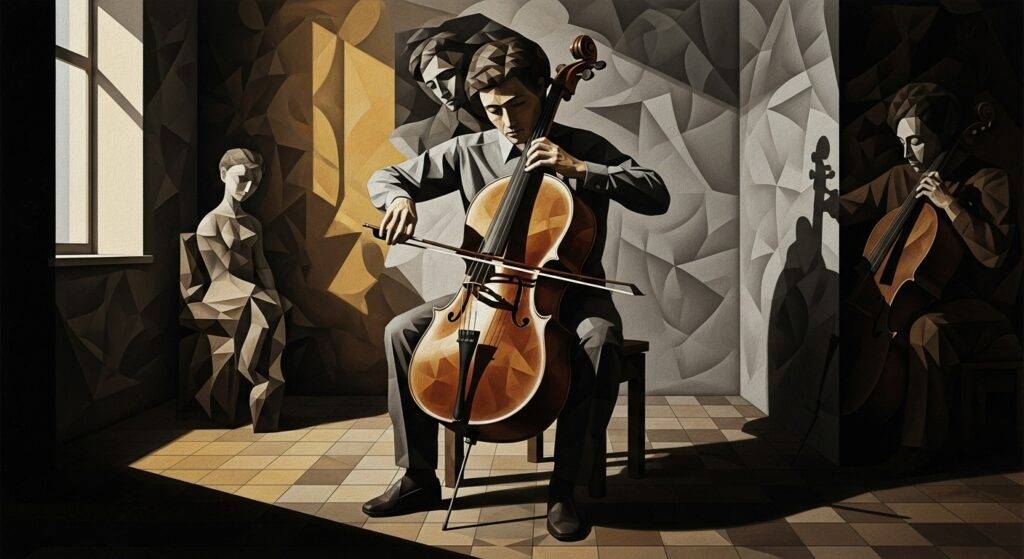
Discover abstract art prompts for AI image generation. Create unique abstract artworks, modern designs, and experimental visual art with cutting-edge AI technology.
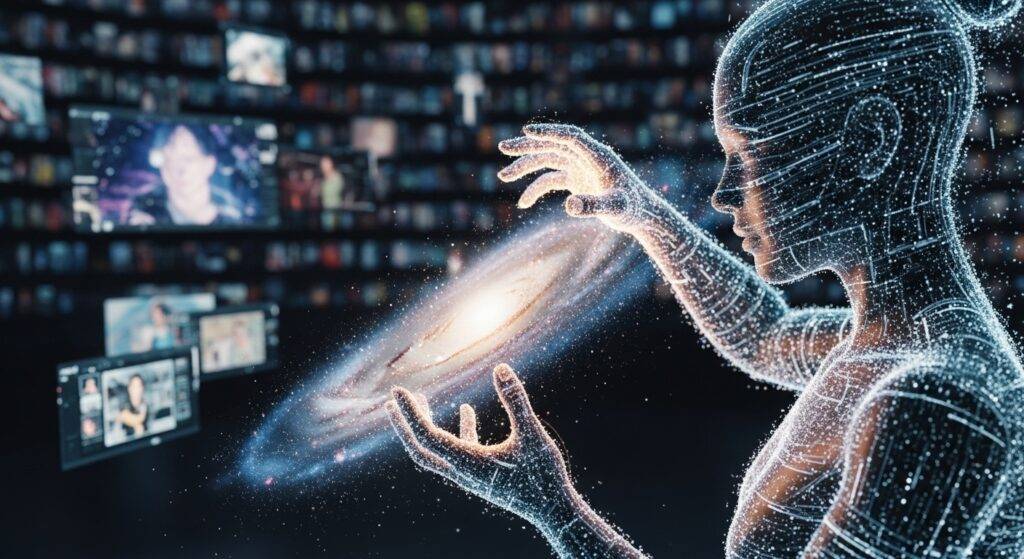
Explore trending AI art styles and current emerging trends in AI-generated imagery. Stay updated with latest AI art movements, popular prompts, and cutting-edge aesthetic directions shaping the future of digital creation.

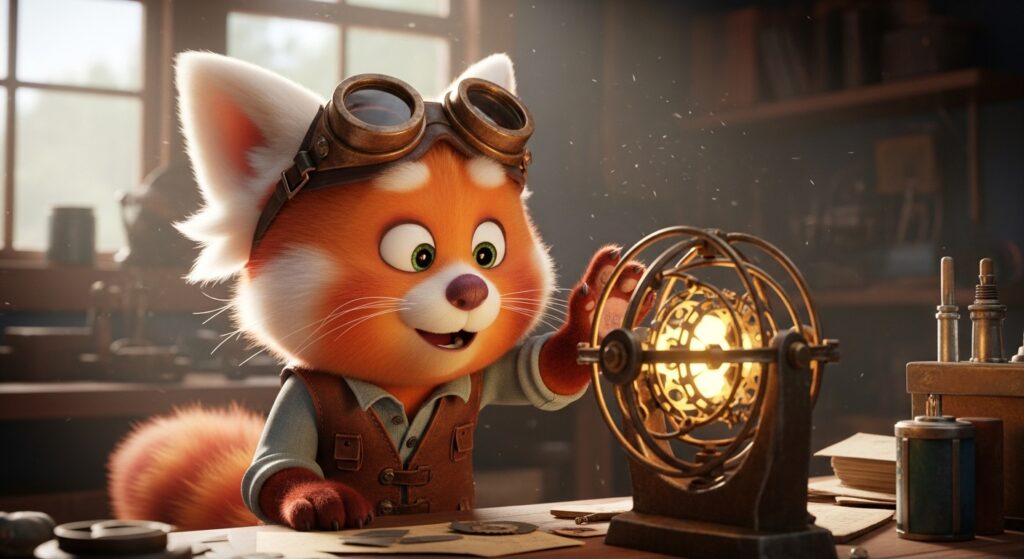
Browse creative animation and cartoon prompts for AI art generation. Generate animated characters, cartoon illustrations, and dynamic animations using AI-powered image creation technology.
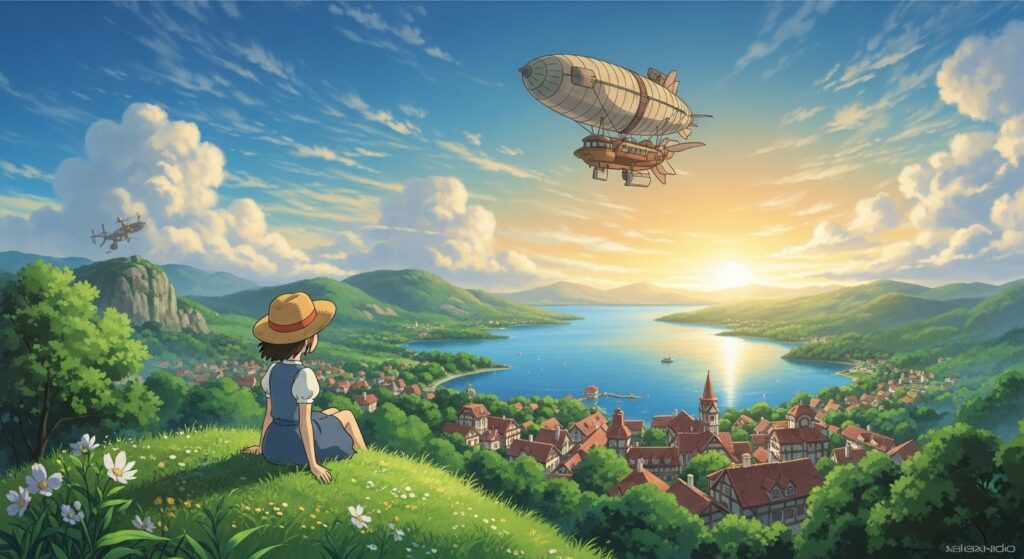
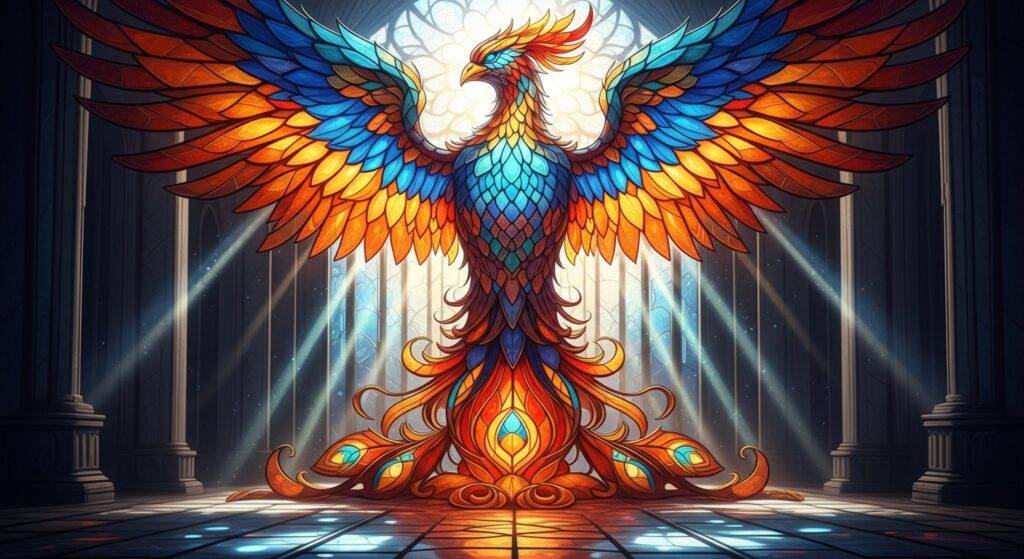
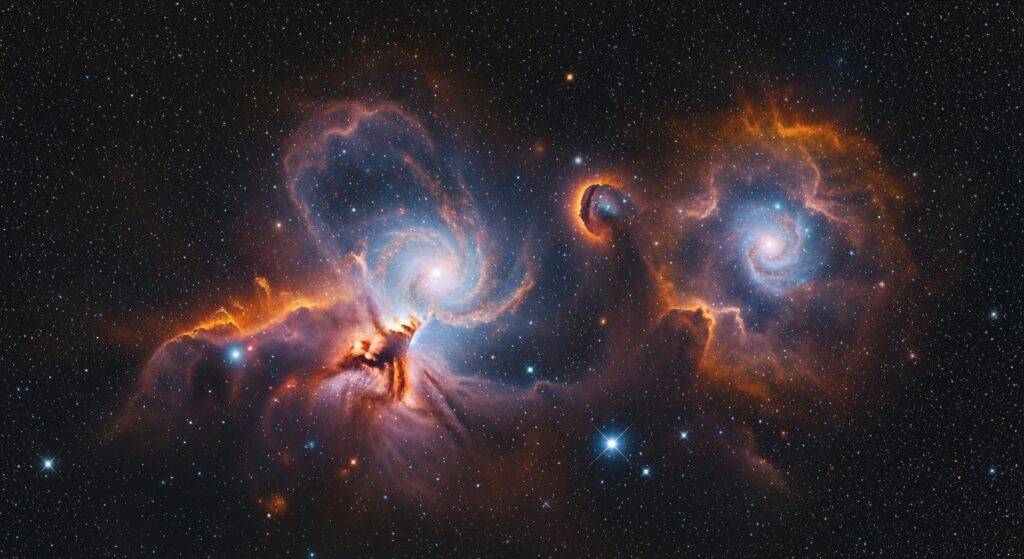

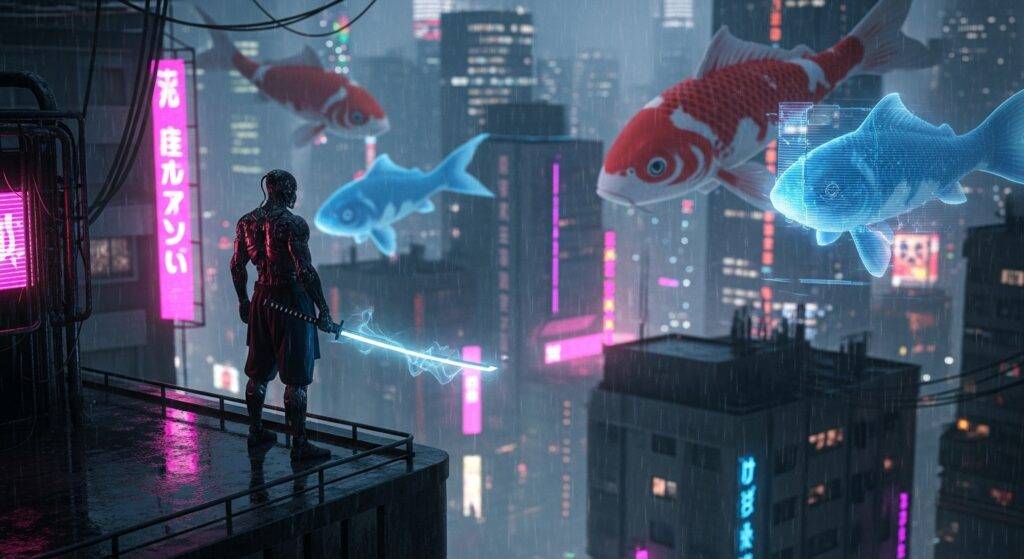
Browse concept art prompts for AI-powered design and visualization. Create professional concept artwork, design concepts, and visual ideation using advanced AI technology.
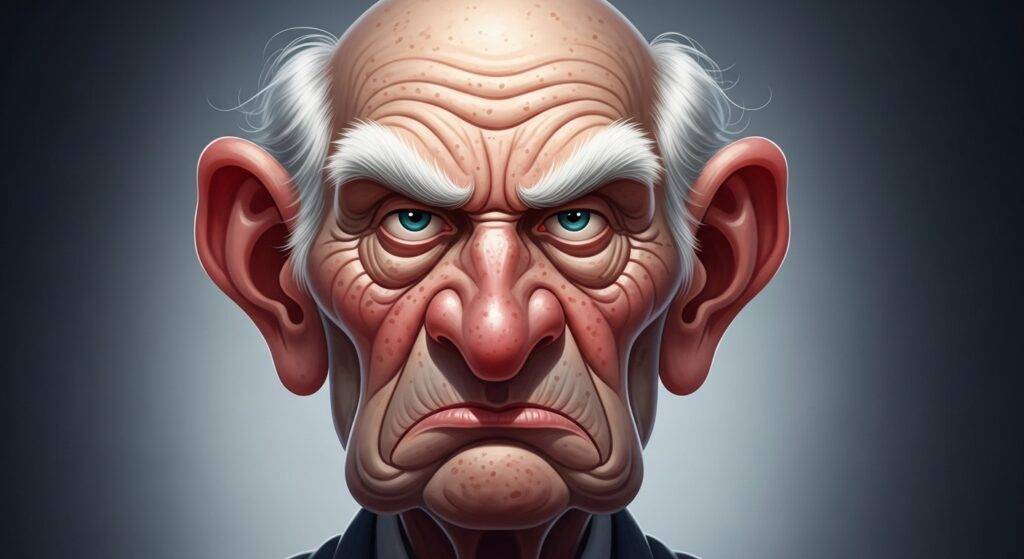
Explore digital art prompts for AI-powered creation. Create stunning digital artwork, digital illustrations, and digital designs using advanced AI image generation technology.
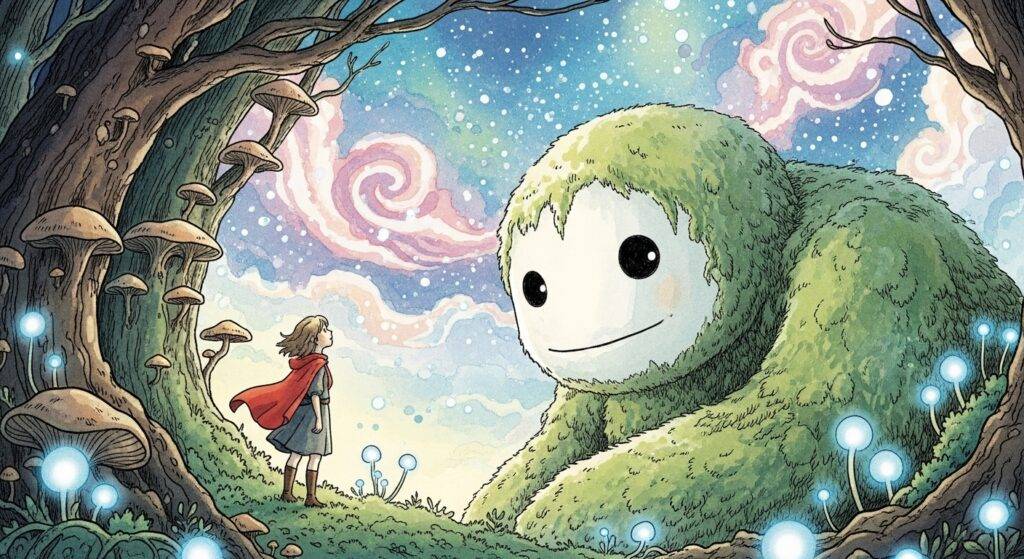
Discover fantasy art prompts for imaginative AI image generation. Create fantasy worlds, mythical creatures, and fantasy artwork using advanced AI technology.
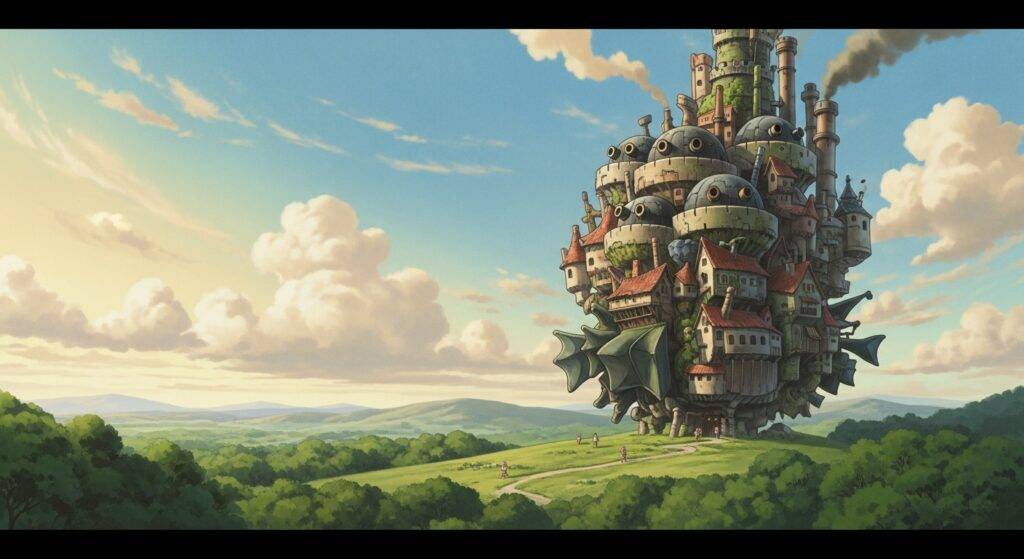
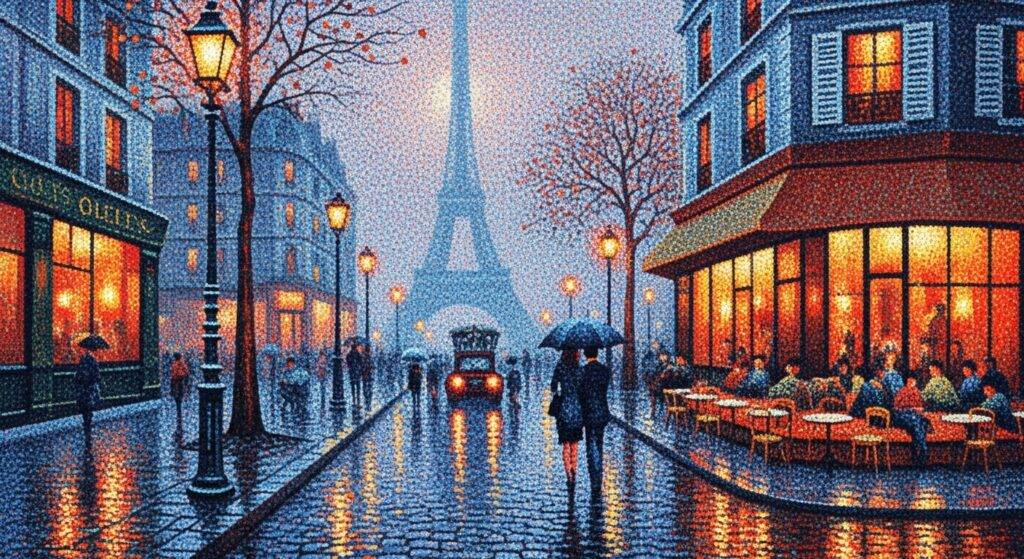
Explore historical art prompts for period-specific AI generation. Create artwork in historical styles, periods, and movements using advanced AI image generation.

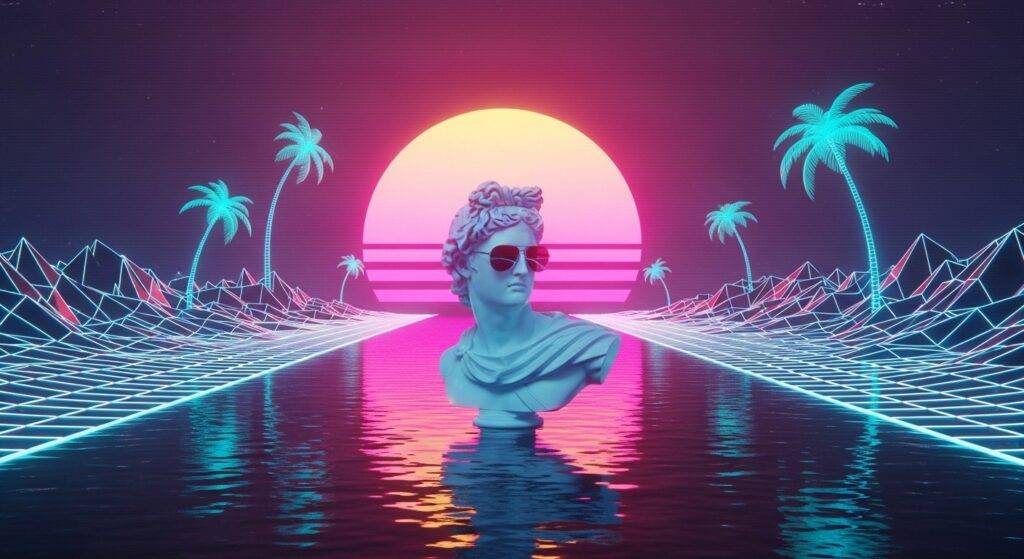
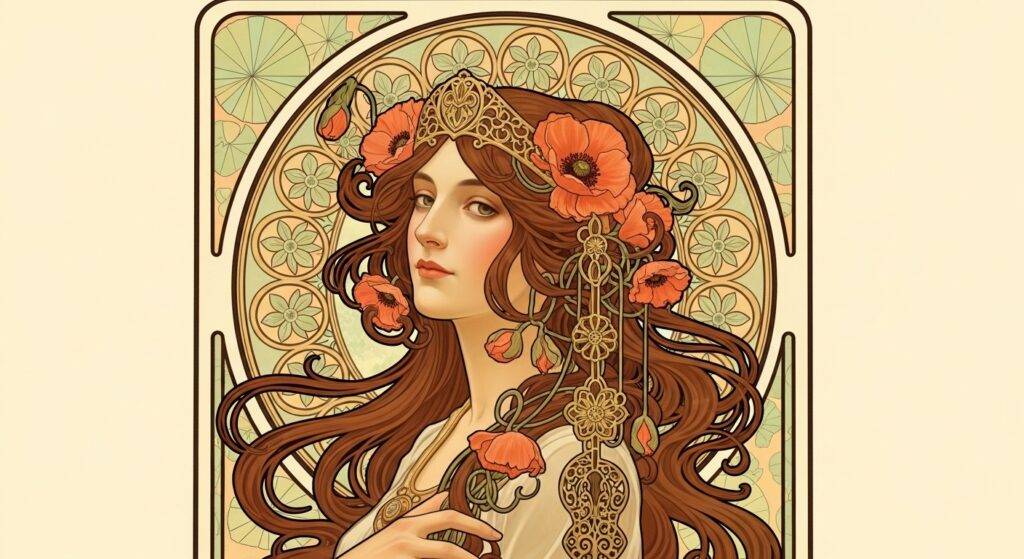
Tips, walkthroughs, and updates on AI image prompting.
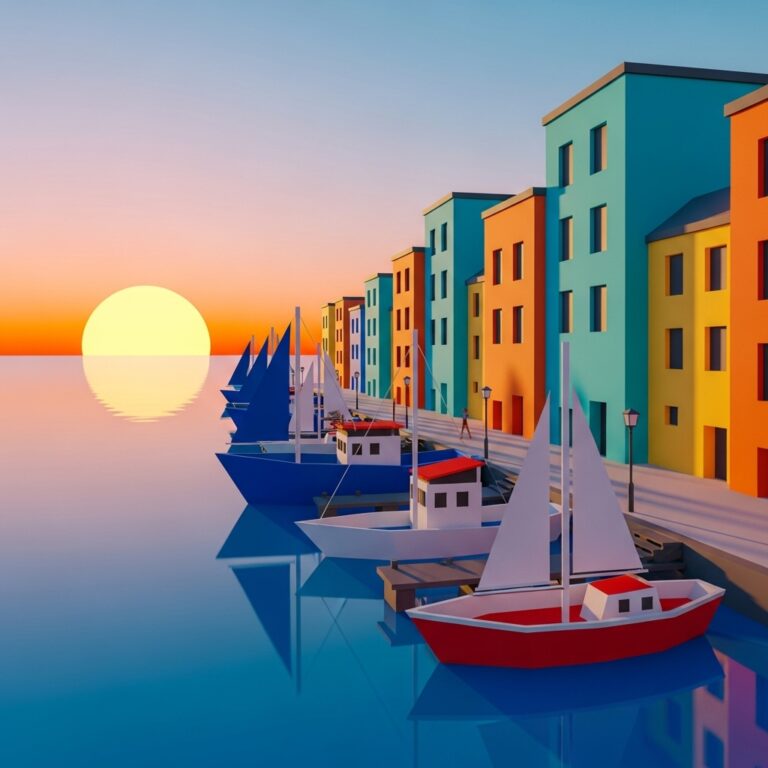
🏔️ Prompt 1: Sunrise Over Polygonal Mountains Core Prompt:A stylized low poly landscape featuring sharp mountain peaks and glowing sunrise…
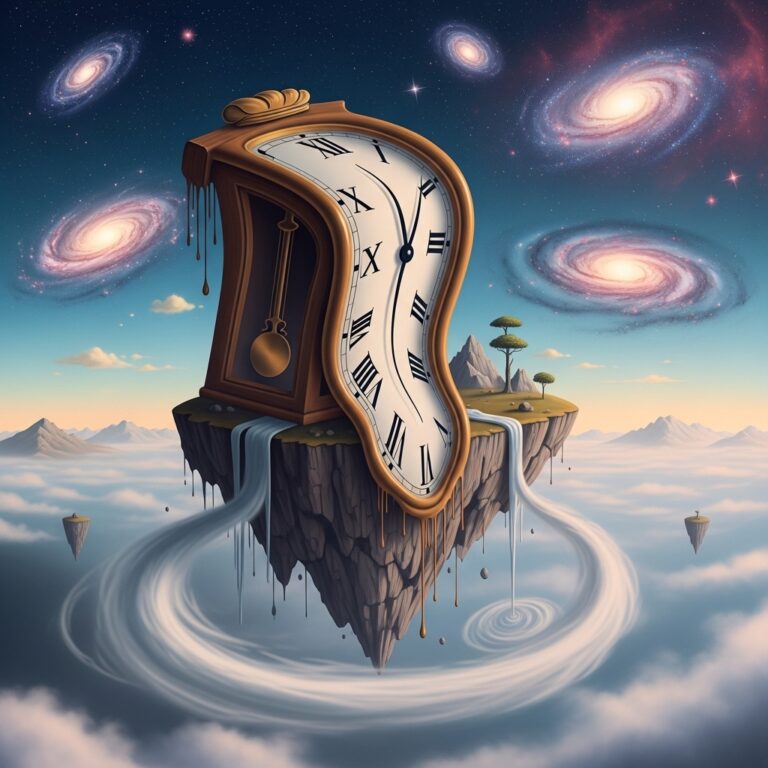
🌀 Introduction: Exploring the Language of Dreams Surreal dreamscapes are not just fantasy scenes — they’re visual poems of the…
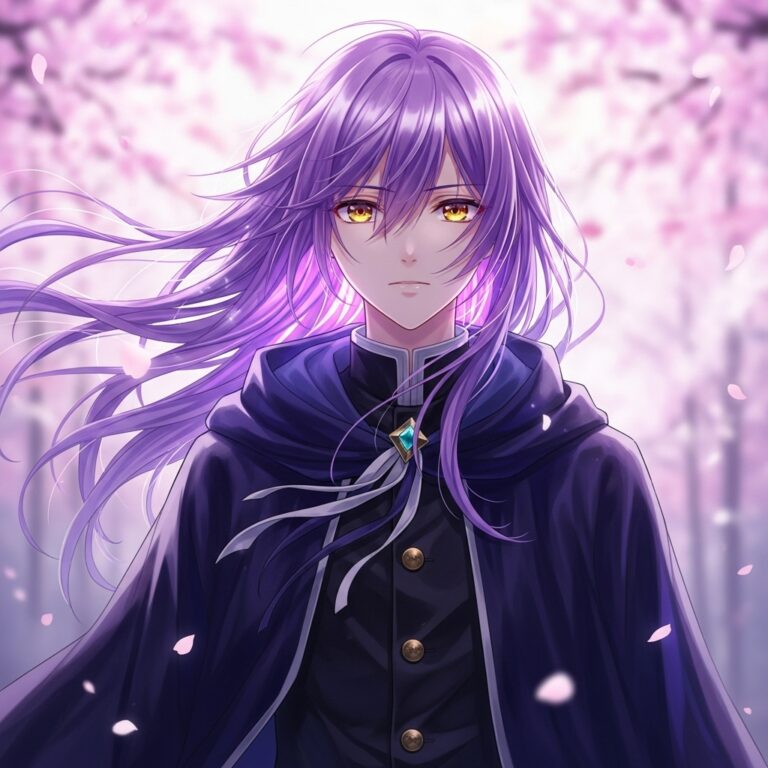
🎨 Introduction: The Magic of Anime Portraits Anime portraits are more than stylized faces — they’re a visual language of…
GPTImages.online turns vague ideas into cinematic, production-ready AI prompts. Instead of guessing keywords, you get fully expanded prompts with subject, composition, lighting, camera, and mood — engineered to work across today’s best image models.
AI image prompts are detailed text instructions you give to an image model, such as Midjourney, Leonardo AI, DALL·E 3, Adobe Firefly, or Gemini FX. The model reads your prompt and tries to translate every part of it — subject, style, lighting, camera angle, and mood — into pixels. The more specific and structured the prompt, the more control you have over the final image.
Each collection is written as a base prompt that works in most modern AI image generators. To use them:
--ar 16:9 in Midjourney or “photo style” in Firefly.You don’t need to be a prompt engineer — the prompts are already expanded with style, lighting, and composition hints.
This is one of the most common pain points with AI art. Typical reasons include:
Our prompts are designed to reduce these issues by giving the model clear direction, but you may still need a couple of iterations to match your exact vision.
The prompt text on GPTImages.online is free to use in client work, marketing, and commercial designs. However, commercial rights to the images you generate depend on the platform you use.
Most paid tiers of tools like Midjourney, Adobe Firefly, DALL·E 3 and Leonardo include commercial usage, while some free plans have restrictions or make your images public. Always check the latest terms of service for your specific AI model before using generated art in products or ads.
Consistency is another big challenge in AI art. To get more consistent characters or brand visuals:
Many GPTImages.online collections are written specifically for series work, such as product sets or character portraits.
The core creative description can usually stay the same, but each model has its own “accent”:
--ar, --style, or --v.We design prompts to be model-agnostic first, then add optional notes so you can quickly adapt them per tool.
The written prompts on GPTImages.online focus on the creative description. For best results you can combine them with:
Most users copy our base prompt, set aspect ratio and quality settings inside the model UI, and then upscale their favorite results.
The prompts are written so beginners can copy-paste and get great images right away, while advanced users can edit camera, lighting, or style tags for more control. Think of GPTImages.online as a shortcut: instead of starting from a blank box, you start from a battle-tested, expanded prompt and customize from there.
New prompt collections are added regularly as AI models evolve — including fresh looks for cinematic portraits, product photography, environments, and trending art styles. If you’d like a specific category (for example “album cover prompts” or “UI/UX mockup prompts”), you can suggest it via our contact page and it may be prioritized in a future update.
Pick a style, copy a prompt, paste it into your favorite AI image tool — and iterate from there. No prompt engineering rabbit hole, just fast, repeatable results.